Signing In
Sign-in is two short screens. Your organization code is provided by your administrator — it's the same for everyone at your organization. Your email and password are yours alone.
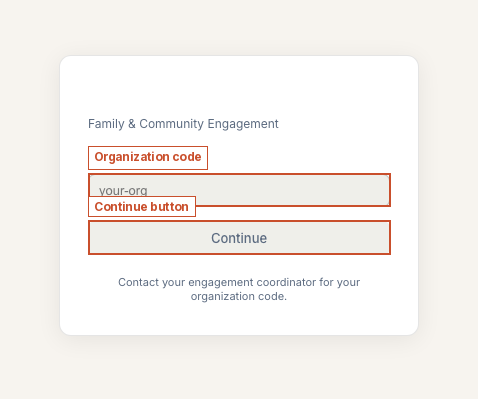
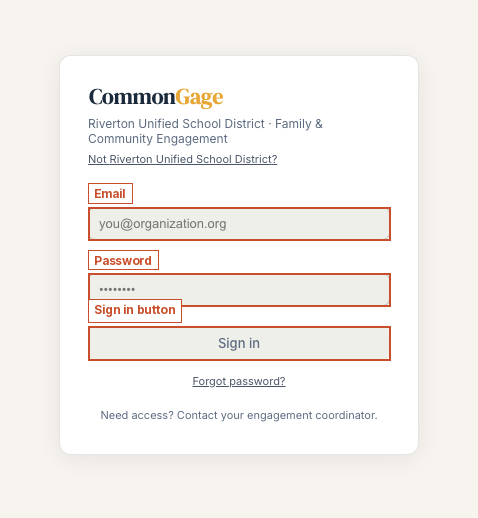
If your organization uses Google Workspace SSO, a Sign in with Google button appears above the organization-code field — that path skips the code entirely. Use whichever your admin has set up. Forgot your password? The link beneath "Sign in" sends a reset email.